Custom graphics are one of the fastest ways to make a site feel made for a specific brand instead of assembled from a respectable pile of generic visuals. In the plain version, they are illustrations, icons, diagrams, and visual accents created for one website and one message.
That difference matters because web design is not only about looking polished. It is also about helping a visitor understand who the site is for, what it offers, and why it feels worth trusting. A custom graphic can do that in a single glance, which is a nice trick when attention spans are acting like very small goldfish.
What are custom graphics?
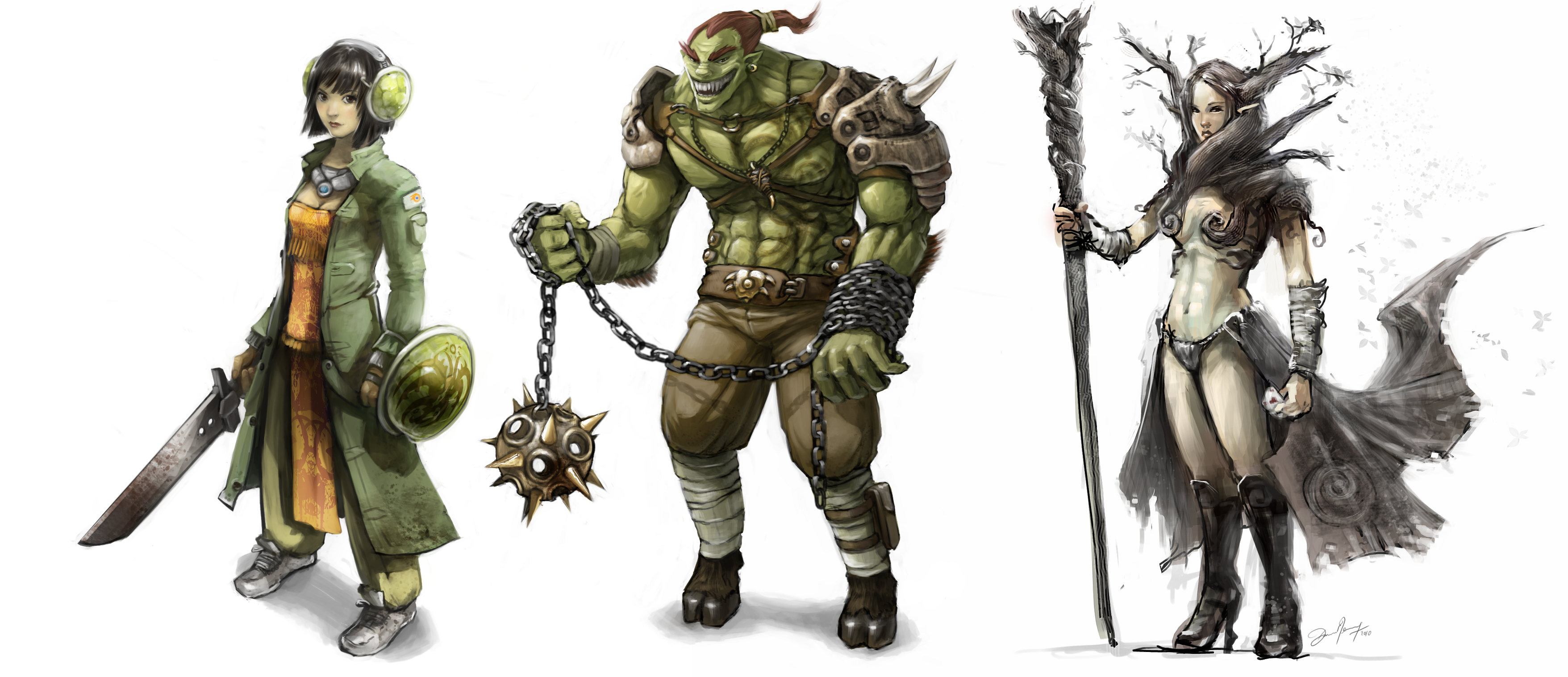
Custom graphics are visuals made specifically for a project. They might be hand-drawn illustrations, branded icons, section dividers, character art, or a hero image built around a site message. Stock images, by contrast, are designed to be reused by many different people, which is helpful when you need something fast but less helpful when you want a website to feel distinct.
If you want a quick reminder about when an image should carry meaning and when it should simply support the page, the W3C image decision tree is a useful reference. It helps you decide whether an image is decorative, informative, or somewhere in between.

Why custom graphics usually win over stock images
Both options have a place. Stock images are convenient, and custom graphics take more effort. But when the goal is to make a site memorable, custom visuals usually do more of the heavy lifting.
- Unique branding opportunities: A custom illustration or icon set can echo your colors, tone, and personality in a way no library image can.
- Better user engagement: People notice visuals that feel made for the page. That little pause is often enough to keep them reading.
- Tailored visuals for the audience: You can show the exact process, product, or feeling you want visitors to recognize.
- Stronger storytelling: Custom graphics can explain ideas faster than a long paragraph, which is handy when the page is already doing a lot of talking.
The broader web design conversation is still about visual communication, and the web.dev images guide is a useful companion when you are deciding how much visual weight a graphic should carry. The second can be efficient, but the first usually feels more like it belongs to the brand.
How to create custom graphics
You do not need a giant design studio to start. The best custom graphics usually begin with a simple question: what should this image help the visitor understand?
- Start with brand words. Write down three to five words that describe the site personality. Warm, playful, polished, bold, calm, whatever fits.
- Sketch the idea first. Even rough shapes can help you decide what the graphic should say before software gets involved.
- Keep the style consistent. If one icon is sketchy, the next one should not suddenly look like it came from a different planet.
- Design for accessibility. If a graphic carries meaning, write clear alt text. MDN has a practical guide to images and alt text that is worth bookmarking.
- Check small screens early. A beautiful illustration that turns into a blurry postage stamp on mobile is not pulling its weight.
If a team is trying to decide where automation belongs in the content workflow, AI consulting services can help figure out where AI fits without crowding out the human art direction that makes a site feel original.
For site owners who want a broader design refresh, the services page is a useful next stop. It is the cleanest way to move from a pretty idea to a site that actually works for visitors.
Examples of effective custom graphics
The best examples are usually the ones that solve a real problem instead of showing off. Here are a few places custom graphics do especially good work:
- Hero illustrations: A custom landing-page image can set the mood before the first paragraph even gets a chance to introduce itself.
- Branded icon systems: Icons drawn in one consistent style make navigation, services, or feature lists feel calmer and easier to scan.
- Character illustrations: Friendly mascots or illustrated people can make a boutique brand feel approachable without turning it into a cartoon parade.
- Section dividers and patterns: Small visual touches can separate content blocks and keep a long page from feeling like a wall of text with ambitions.
For a boutique bakery, that might mean hand-drawn pastries instead of generic cupcakes from a stock library. For a designer portfolio, it might mean custom shapes or character art that reflect the person behind the work. For a service business, a custom graphic can explain the process faster than a paragraph that tries very hard and still needs a paragraph.
Conclusion and resources
Custom graphics give a website a clearer identity, better storytelling, and a more memorable feel. They help a brand look specific instead of interchangeable, and that is a bigger deal than it sounds. People notice when a site looks like it was built for them, not pulled from a drawer labeled general internet stuff.
If you want to keep exploring design topics, browse the blog for more plain-language guides. For a broader visual-design refresher, the web.dev design course is a practical next stop, and if you are planning a site that needs more personality than a stock photo can deliver, the services page shows how those pieces fit together in a real project.